Stay with your book.
Start the timer, dim the screen, and settle into your reading. If you leave the app, a short grace period and a gentle reminder help you find your way back.
A quiet timer, a goal that fits your day, and a little encouragement to come back tomorrow.
PageTock helps you turn good intentions into a reading habit. One session at a time.
Download on the App Store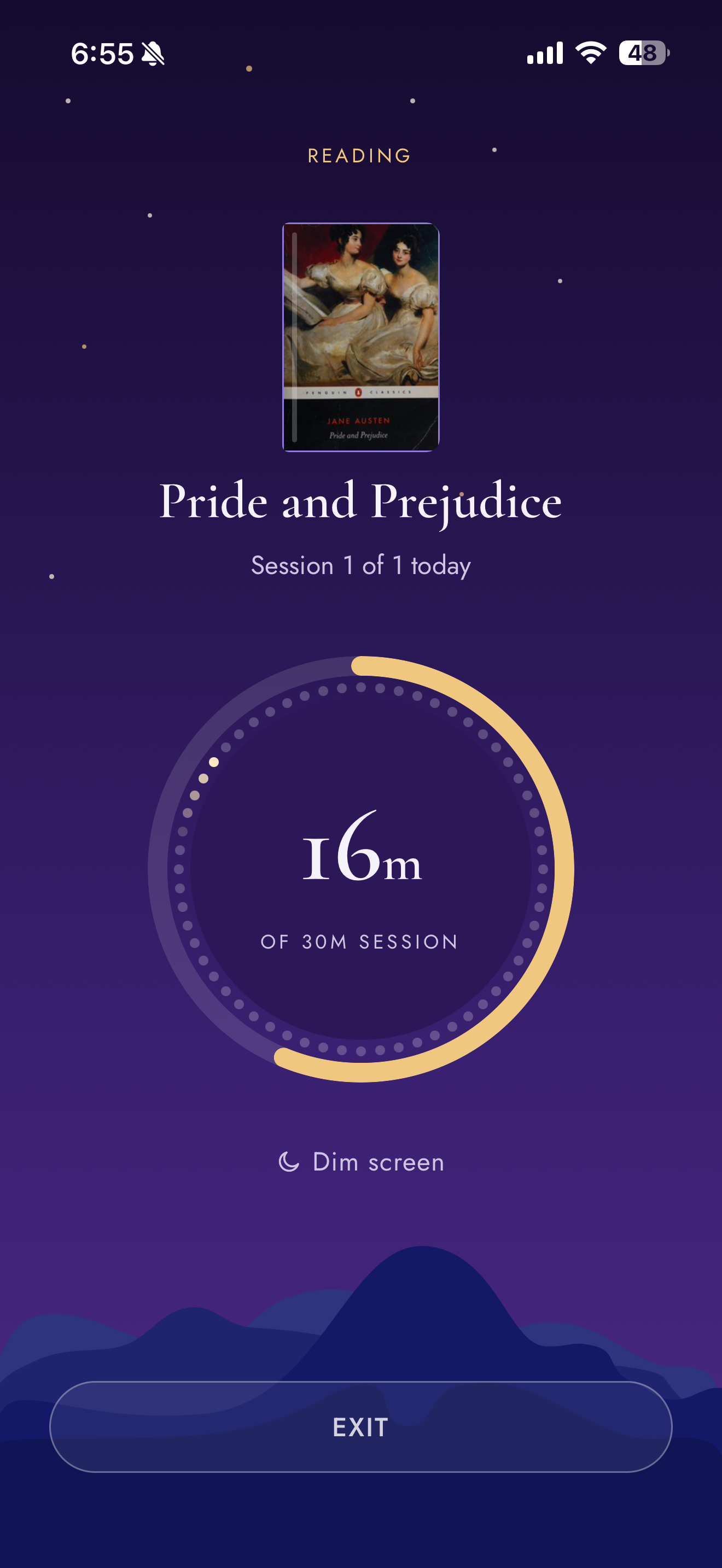
Start the timer, dim the screen, and settle into your reading. If you leave the app, a short grace period and a gentle reminder help you find your way back.
Meet your daily goal to grow your streak. See the days you showed up, and let a little consistency become something you look forward to.
Choose how long to read and how many sessions fit your day. A few simple choices, and you’re ready to open your book.
Scan your book or add it yourself. Settle into a reading session, then log the page you reached.
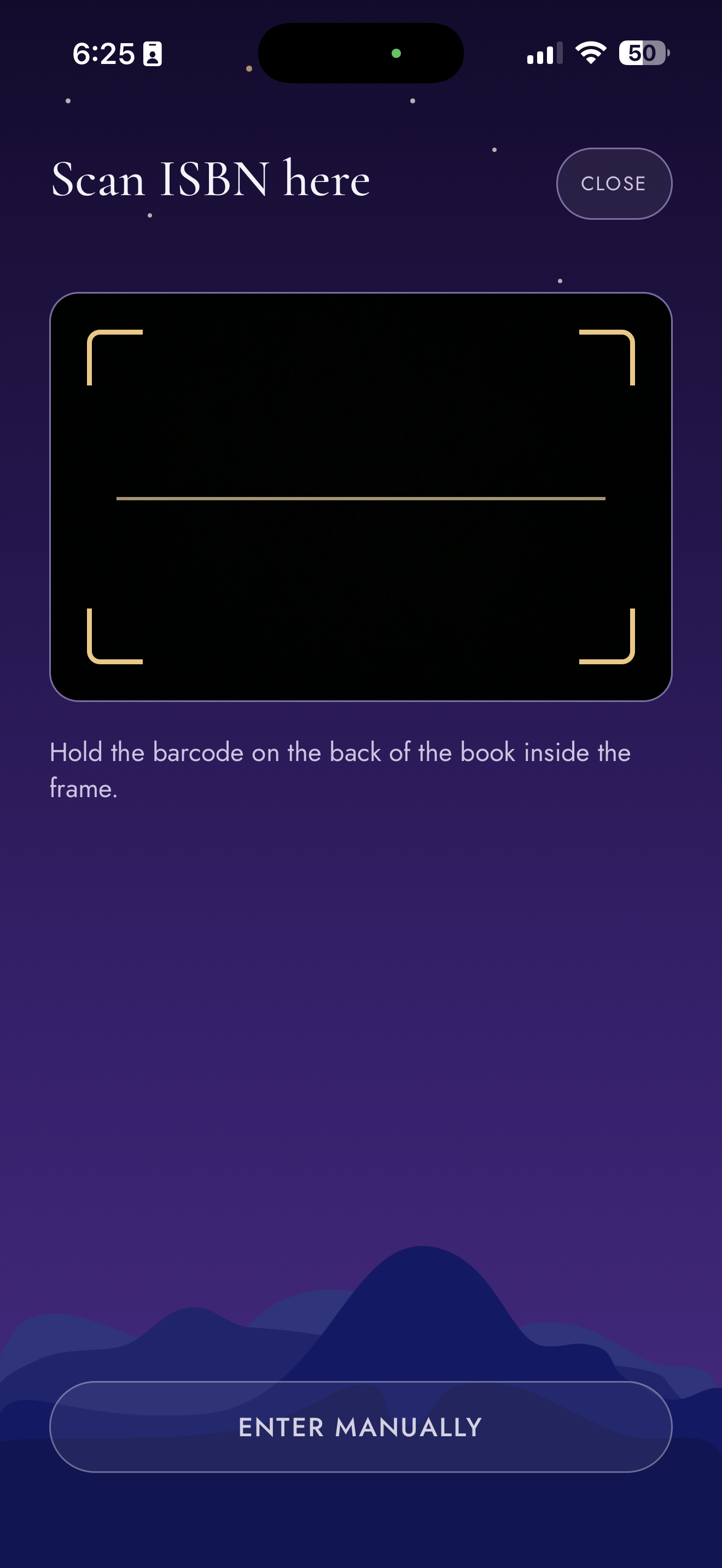
Look up book details with its ISBN barcode, or enter them yourself.
Keep the timer open and dim the screen while your book has your attention.

Log where you stopped, celebrate your session, and see your streak grow as you meet your daily goal.
Start with a goal that feels manageable. Let the days you show up become a reason to keep going.
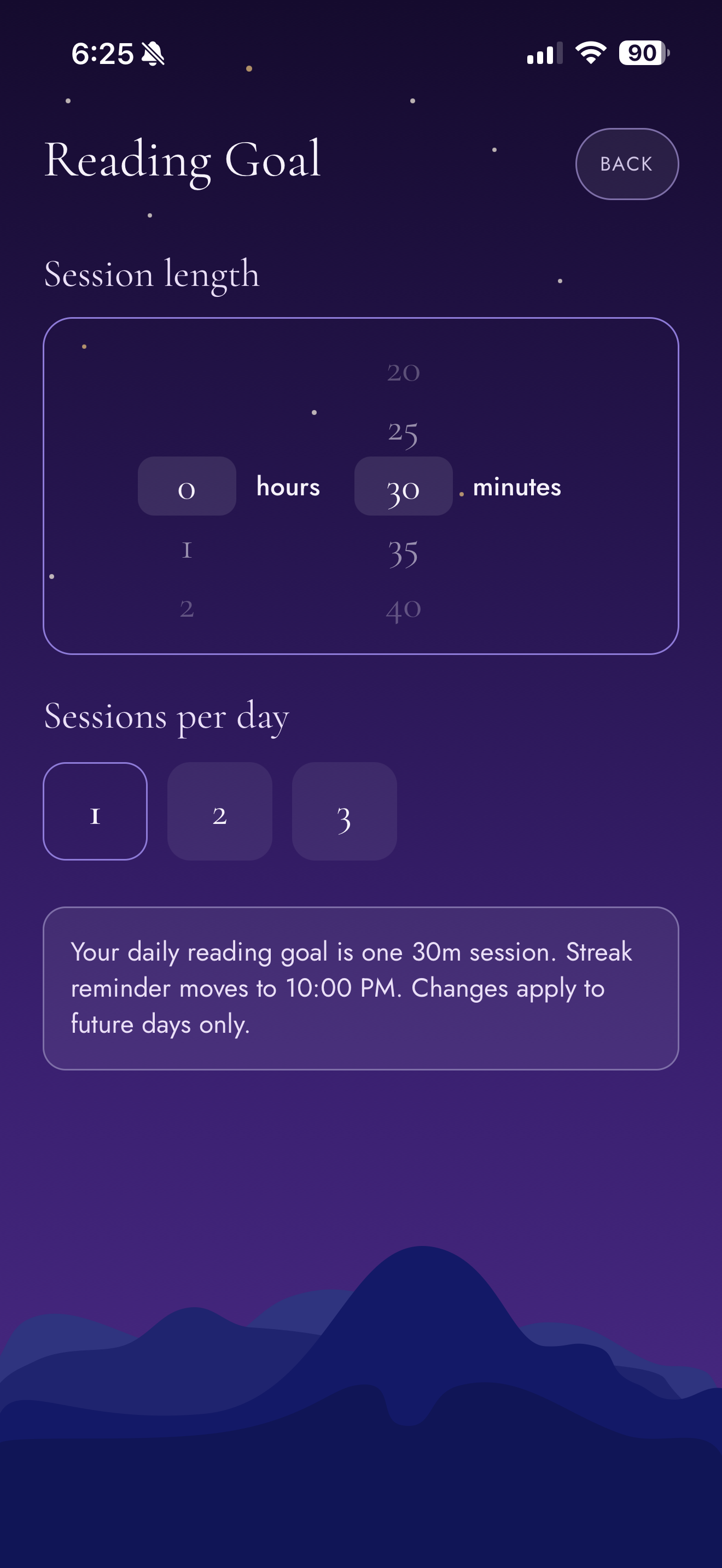
Choose how long to read and how many sessions fit your day. Simple to set up, personal to you.
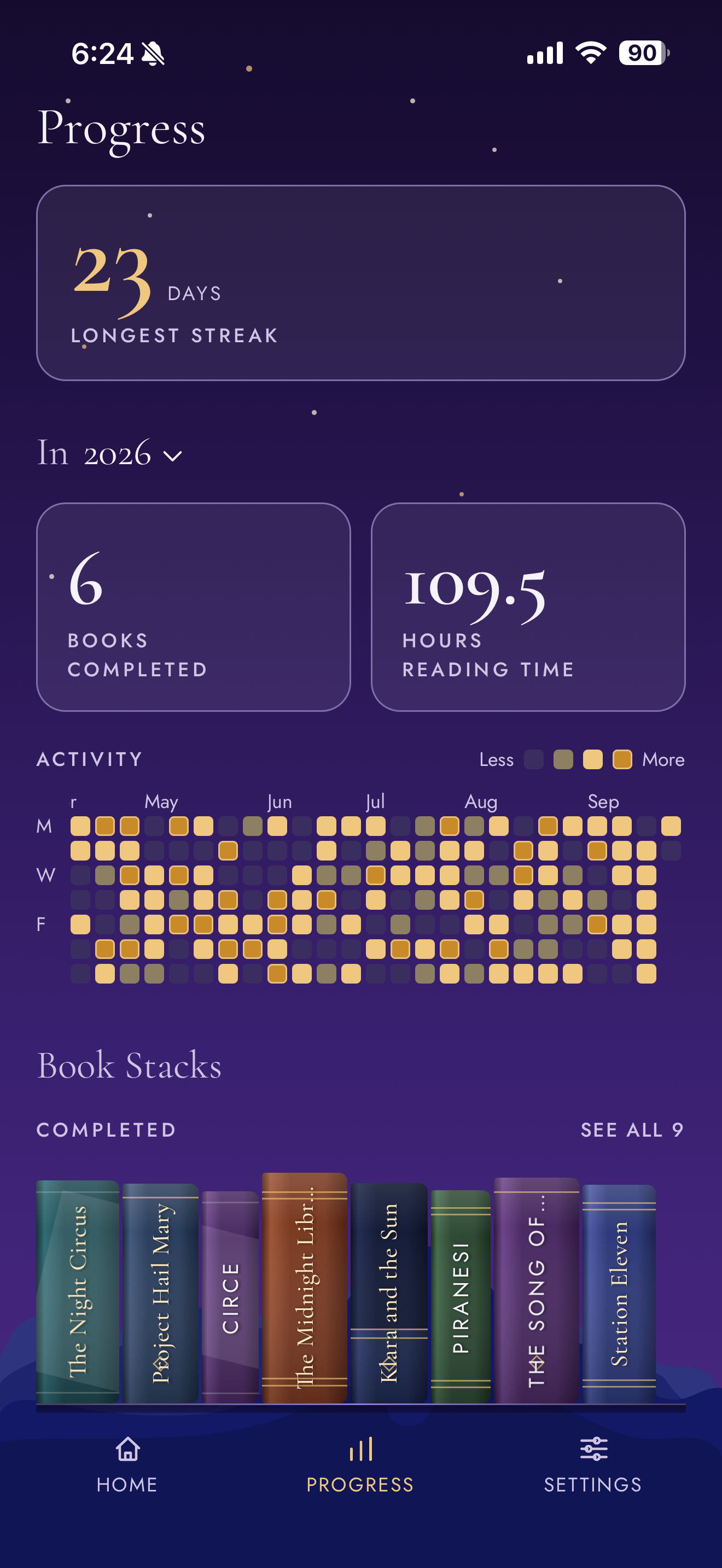
Meet your daily goal to build your streak. Look back at your reading days and watch your pages and time add up.
Make room for more of the books you want to finish. Each completed book becomes part of your reading history, alongside the time you spent with it.
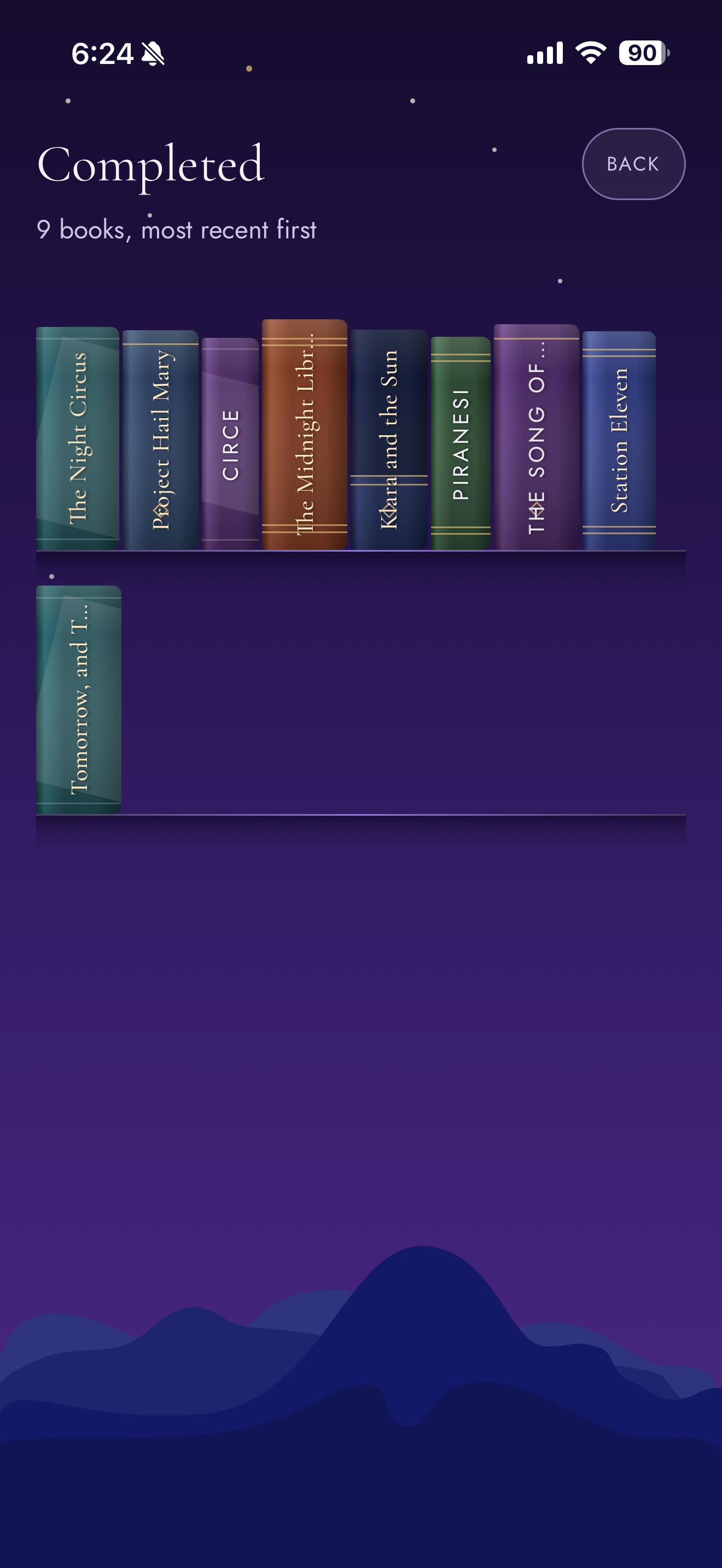
A LITTLE PROGRESS BECOMES A WHOLE SHELF.
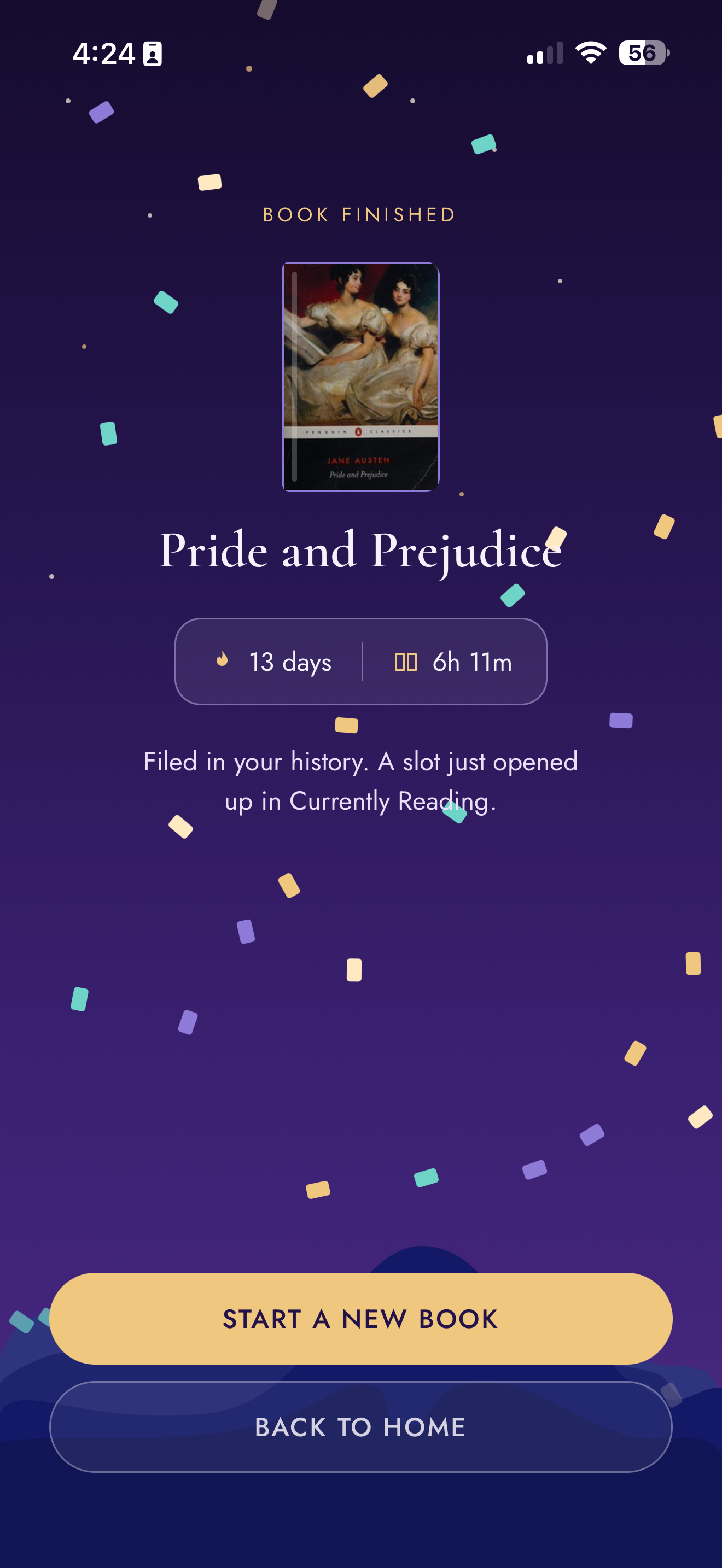
Your books, streaks, and reading history are stored on your device. No accounts, no analytics, and no cloud sync.
Read our privacy policyPageTock is a reading companion designed with physical books in mind. It helps you make time to read and track your progress; it doesn’t contain ebooks.
No. PageTock encourages focus with an on-screen timer. Leaving the app pauses your reading time and starts a five-minute grace period. You stay in control of your phone.
PageTock is now available for iPhone on the US App Store. Download PageTock and start your next reading session.